Turn a Photo Into a Cartoon With AI
Cartoon yourself, your kids or your pets in one tap: Pikolor redraws any photo as a cartoon — from classic outlines to 3D-movie style, chibi and kawaii.
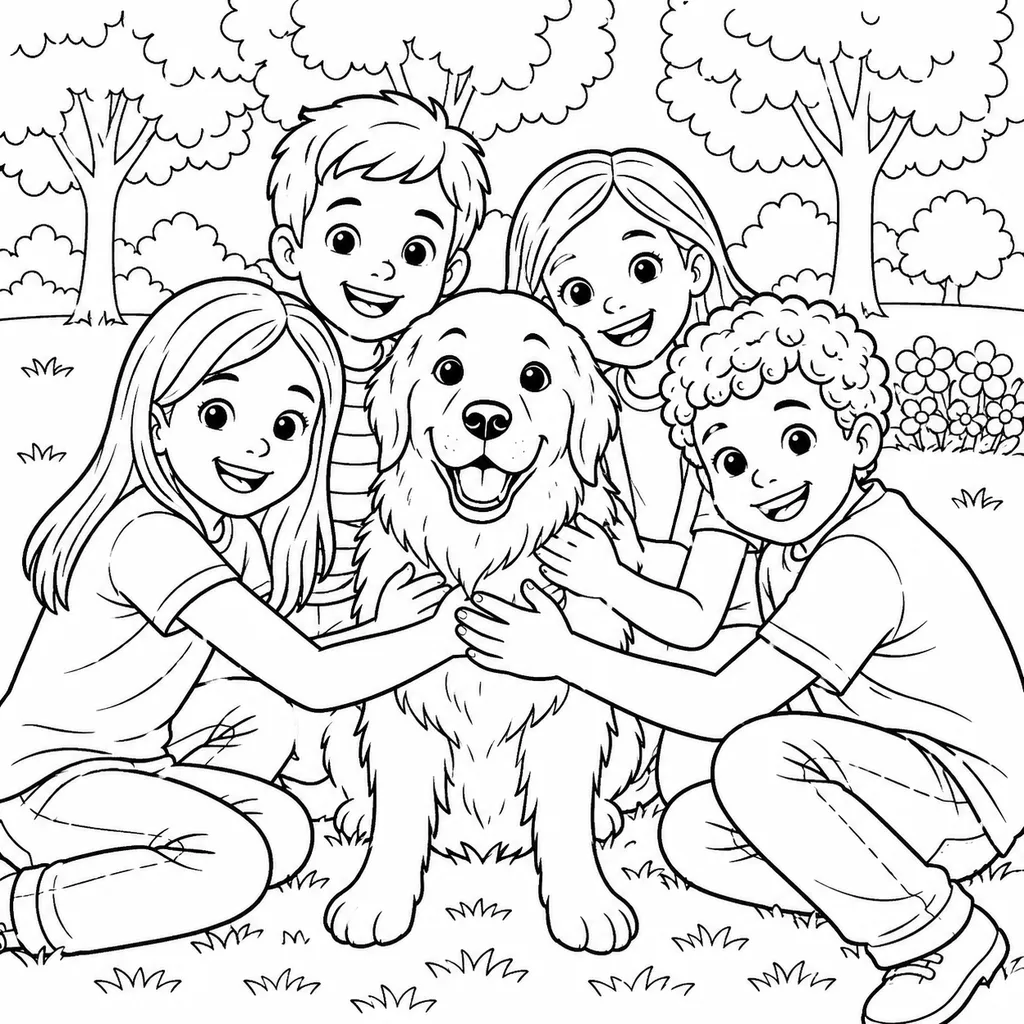
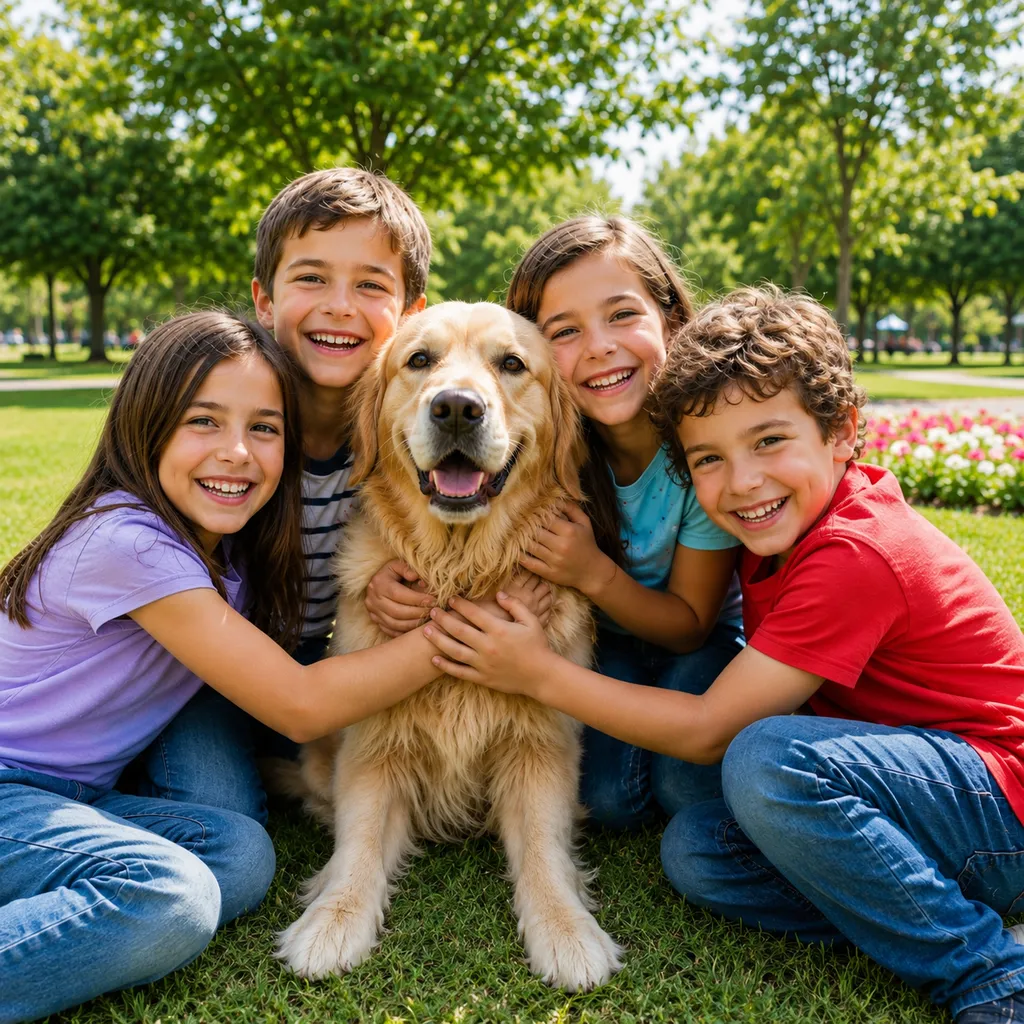
Every cartoon style in one app
"Photo to cartoon" means something different to everyone: crisp comic outlines, a Pixar-like 3D character, a tiny chibi, a kawaii sticker. Pikolor covers them all — same photo, wildly different cartoons.
The AI keeps the likeness — expressions, hairstyles, even your pet's attitude — so the cartoon is unmistakably them.
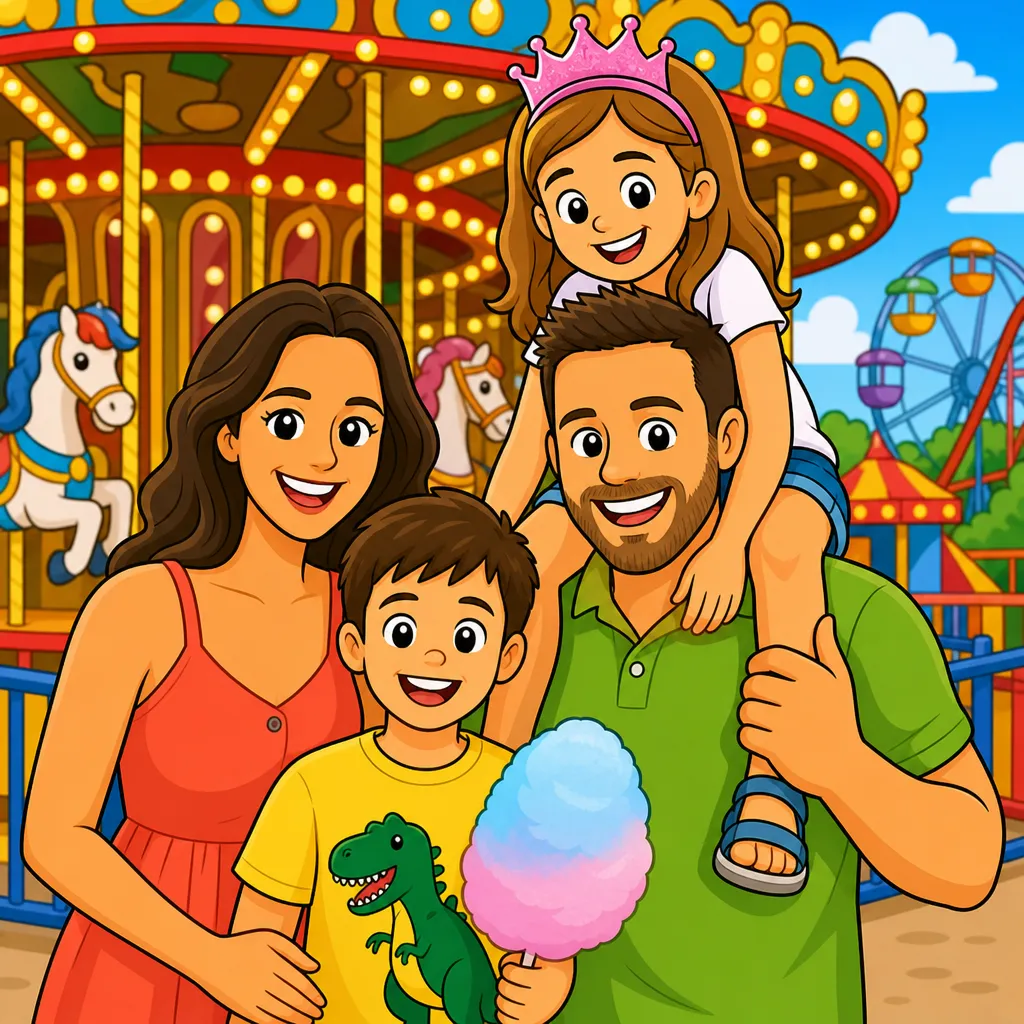
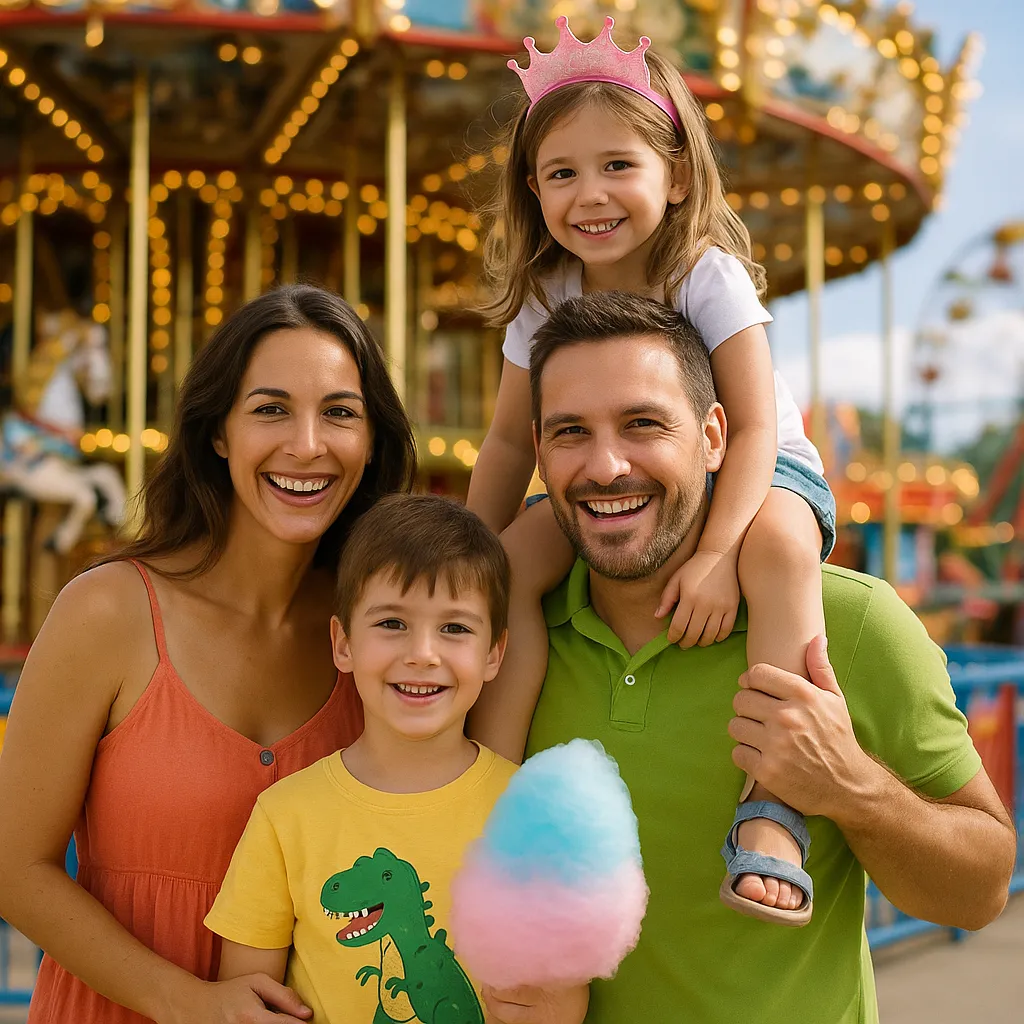
For avatars, gifts and coloring pages
Color cartoon styles make perfect profile pictures, stickers and birthday-card art. The black-and-white Cartoon style doubles as a coloring page — print it and let the kids color themselves in.
Families use it to cartoon school photos and pets; creators use it for avatars and thumbnails that stand out.
Which cartoon style fits your photo?
Cartoon gives classic printable outlines, 3D Cartoon goes full animated-movie, Chibi and Kawaii shrink everyone into adorable characters, and Comic Hero or Retro Comic add drama. Compare them:
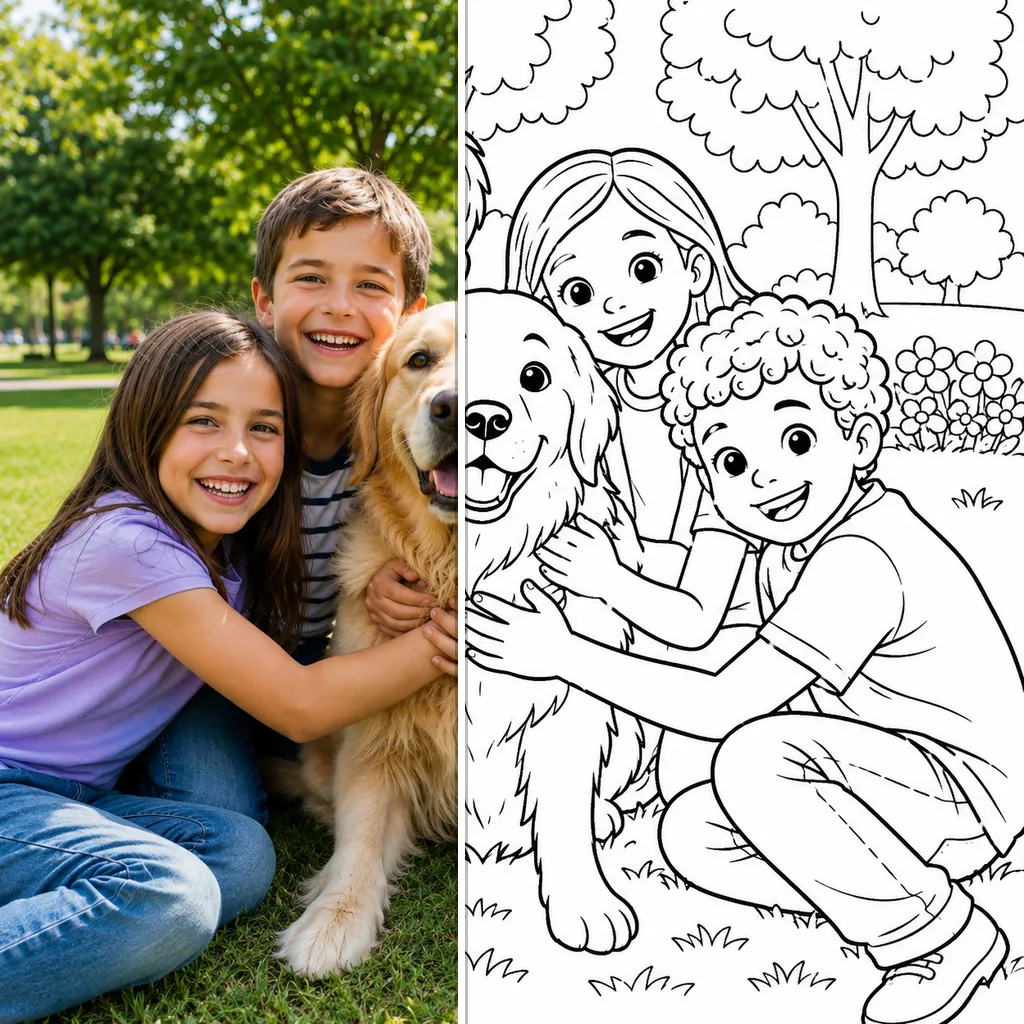
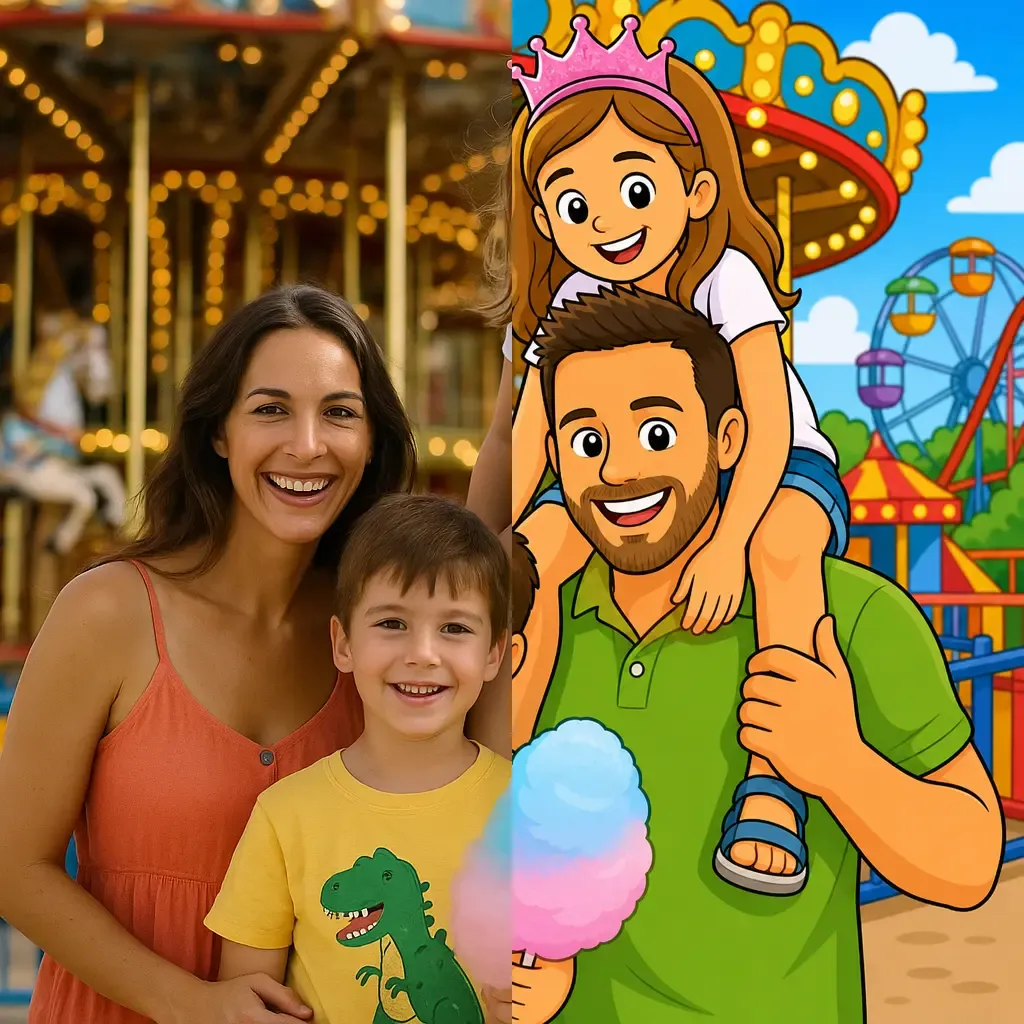
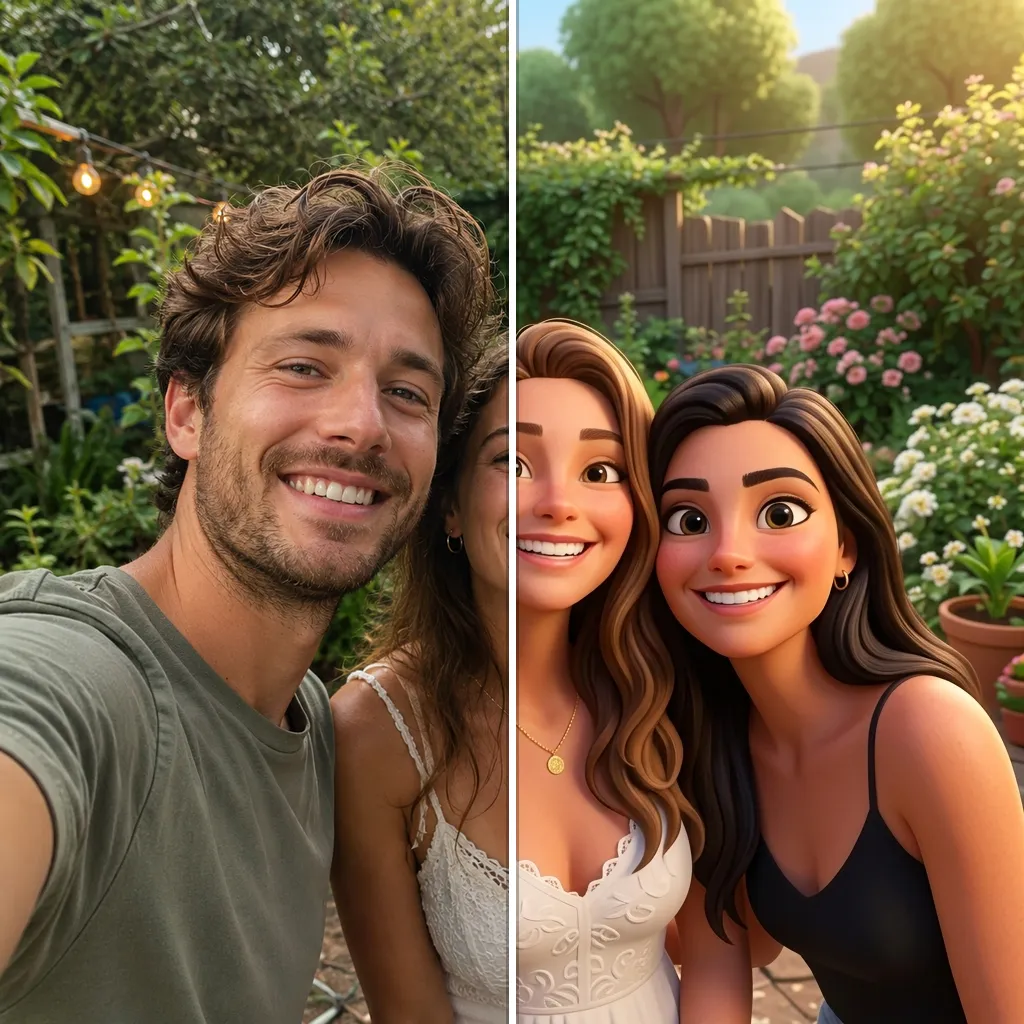
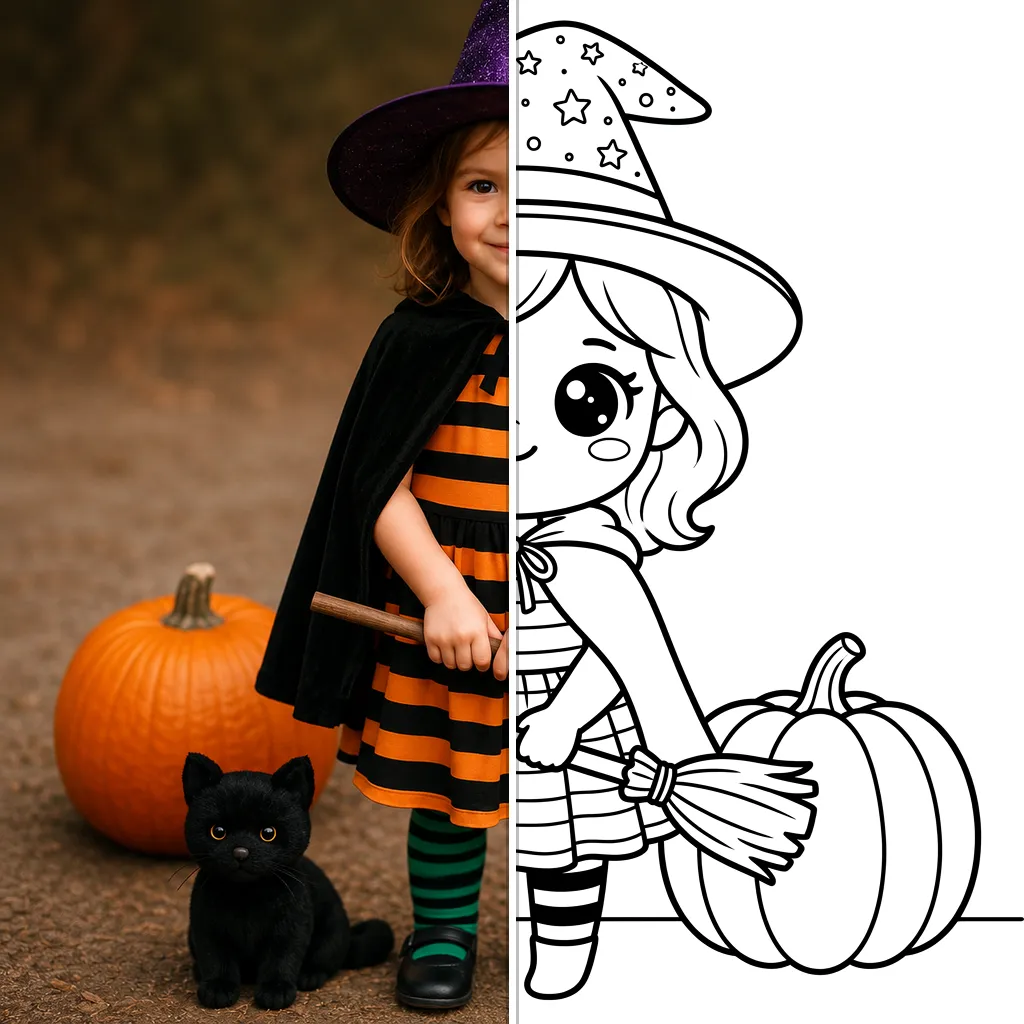
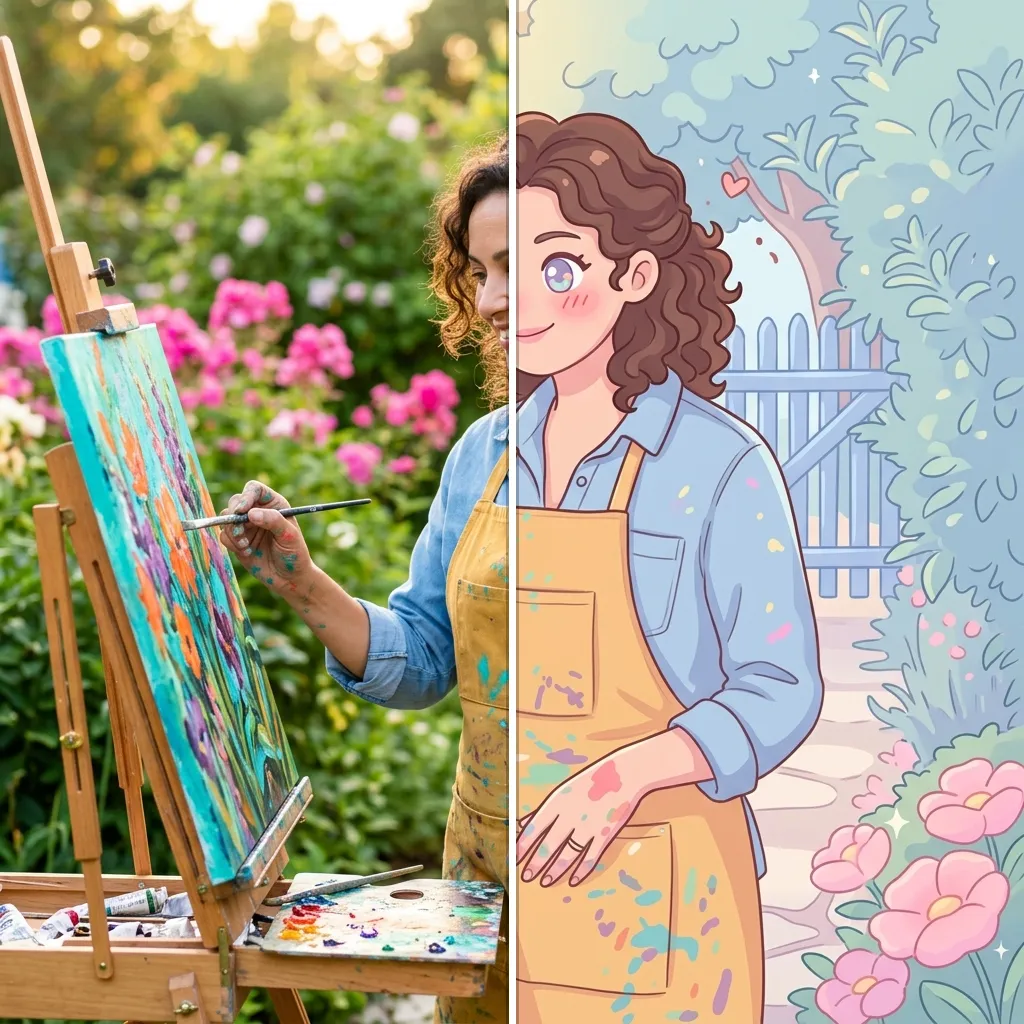
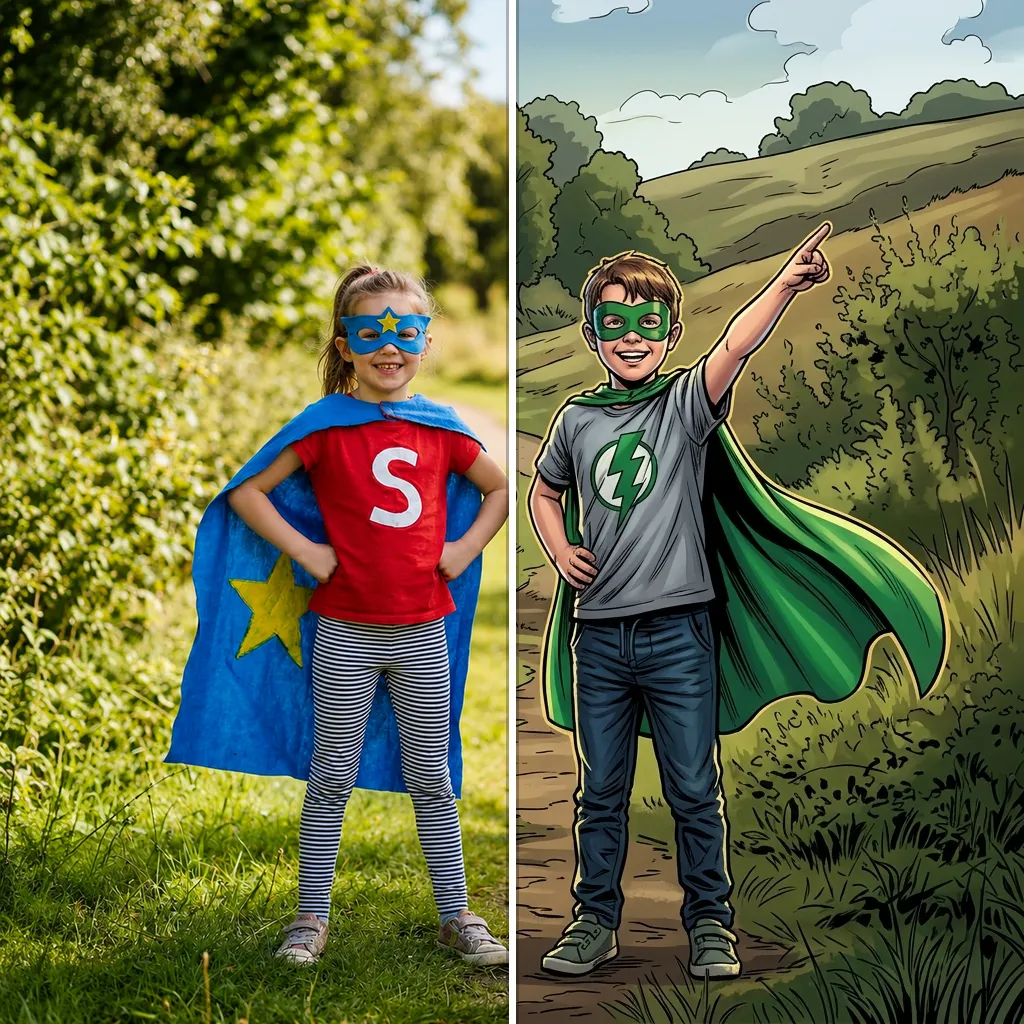
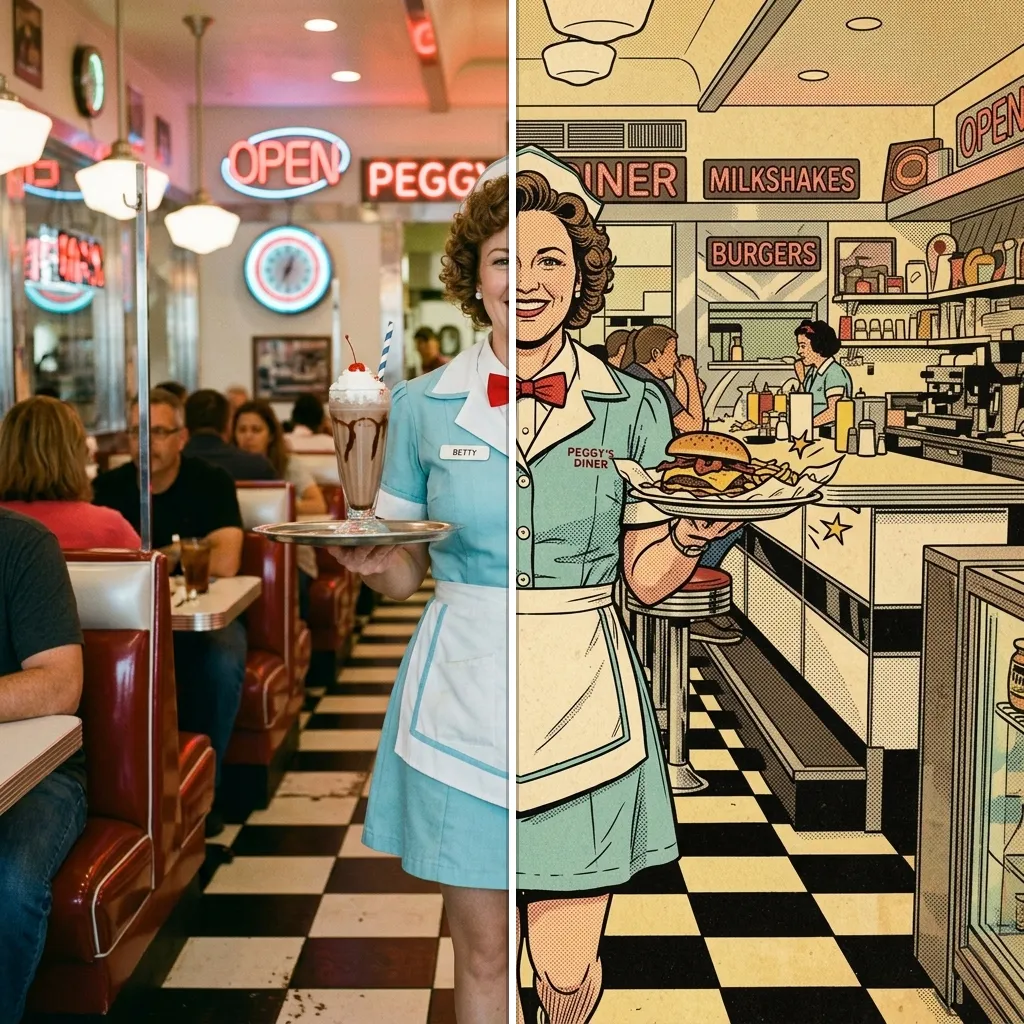
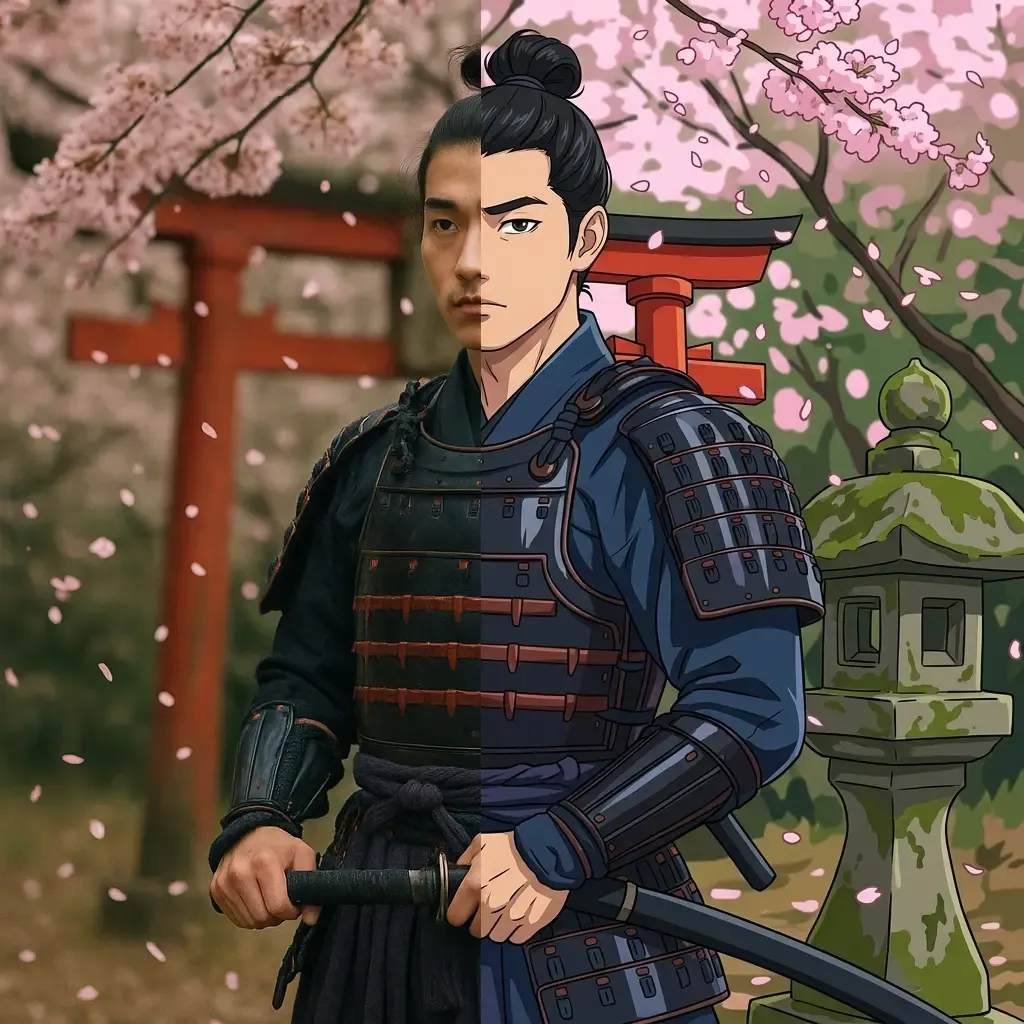
Explore each style page for examples, tips and a live demo.
How to cartoon a photo
Upload any photo
Portraits, kids, pets, couples — any clear photo can become a cartoon.
Pick your cartoon style
Classic, 3D, chibi, kawaii, comic… the AI redraws your photo in the style you choose, in seconds.
Download and share
Save your cartoon for avatars, cards and stickers — or print the black-and-white version to color.
Frequently Asked Questions
Cartoon your photo now
Free to try — upload a photo and meet your cartoon self in seconds.