AI Photo Effects for Creators
Turn ordinary photos into scroll-stopping visuals: pop art covers, watercolor posts, comic-style thumbnails — one upload, seconds later it's ready to post.
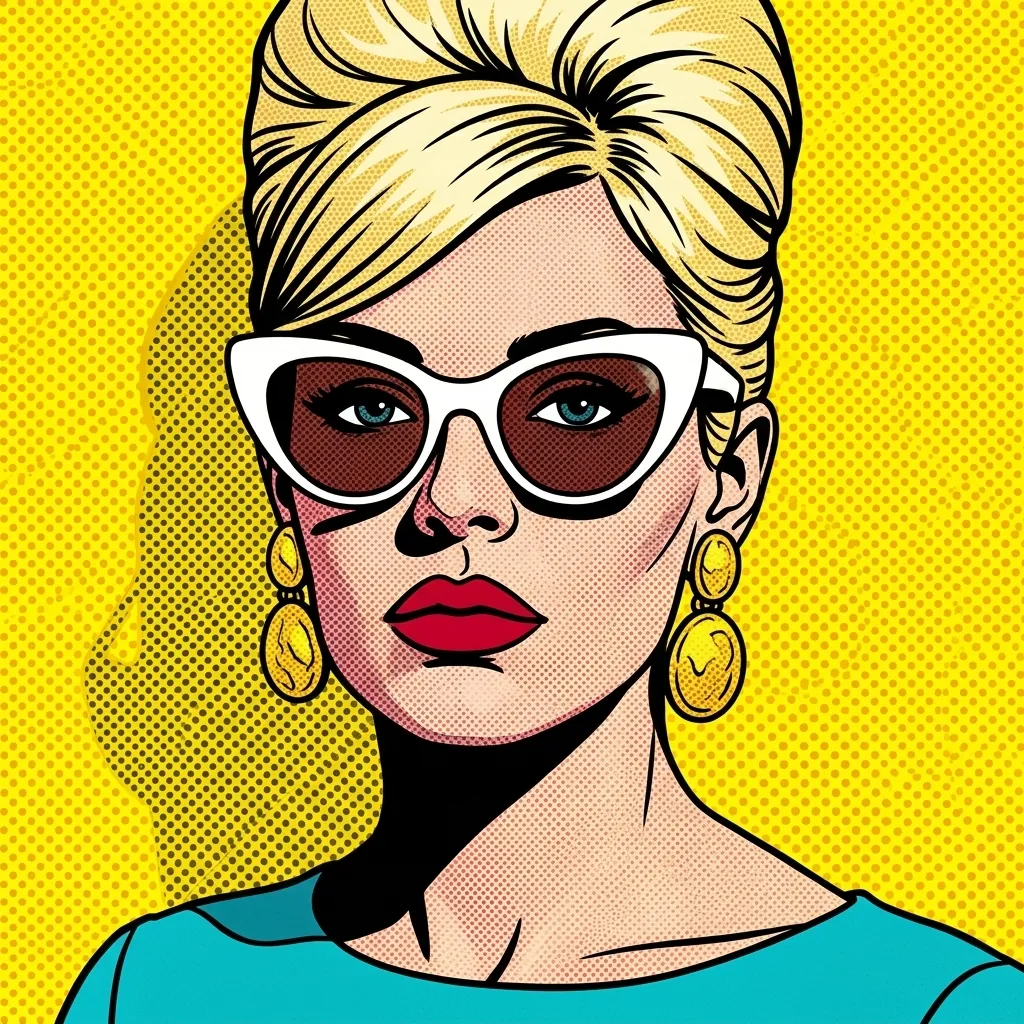
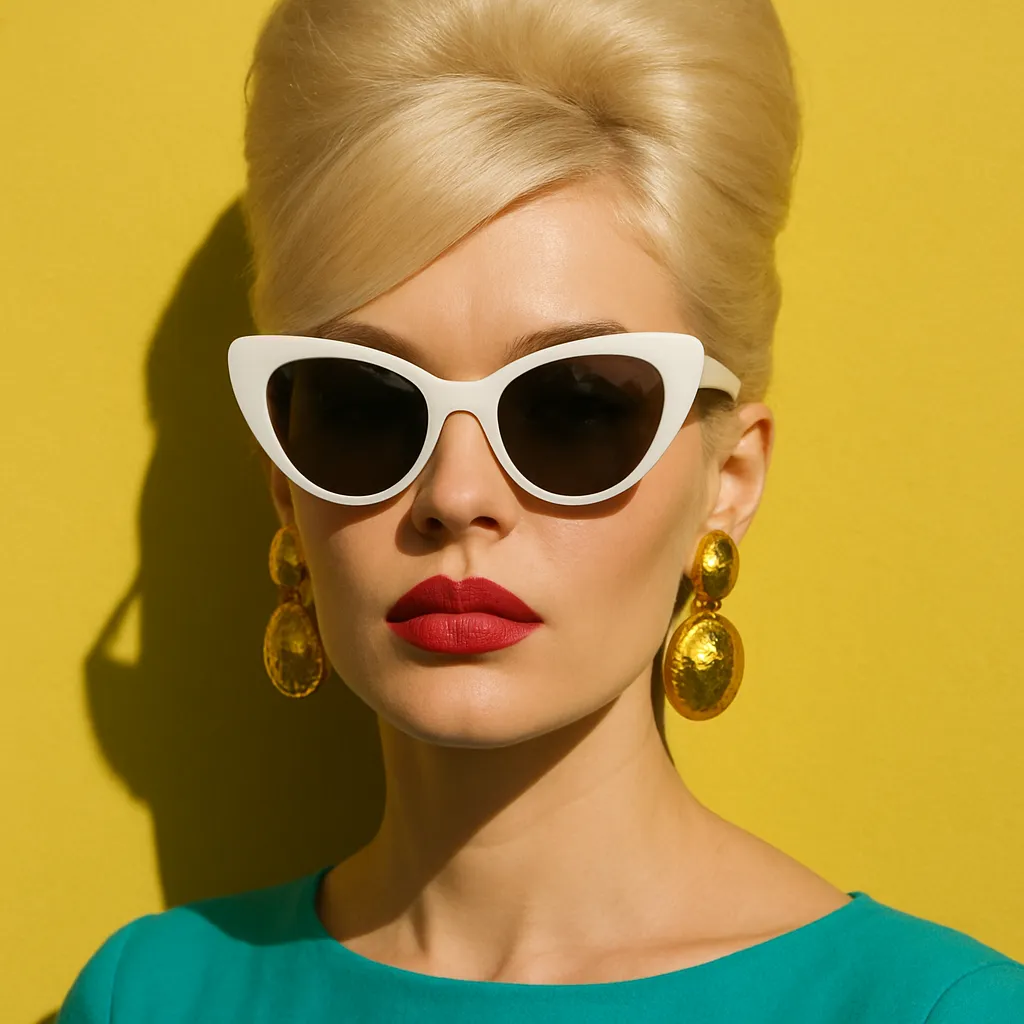
Stand out without a design team
Feeds are full of the same filtered photos. A pop-art product shot, a watercolor portrait or a comic-style announcement breaks the pattern — and Pikolor makes them from your existing photos, no Photoshop involved.
Batch a week of content in minutes: same photo set, different styles, a feed that looks art-directed.
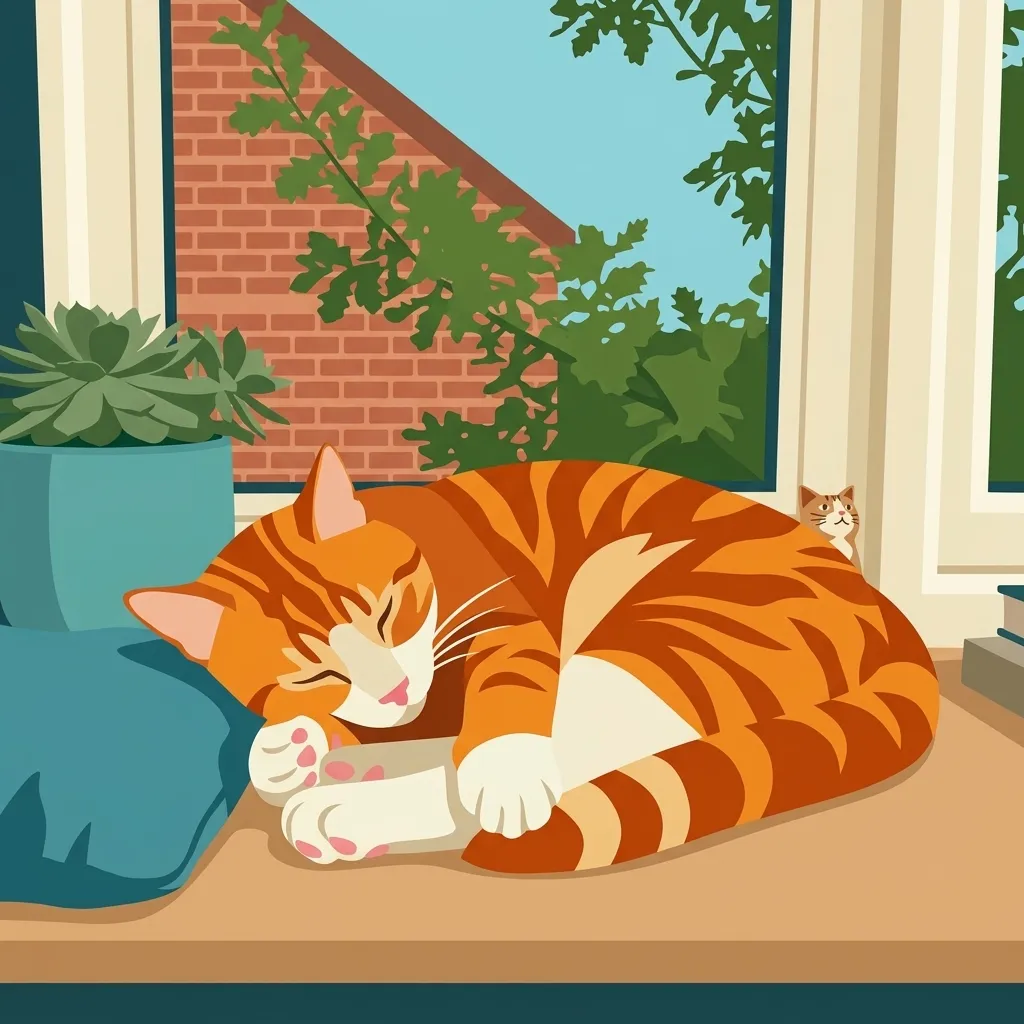
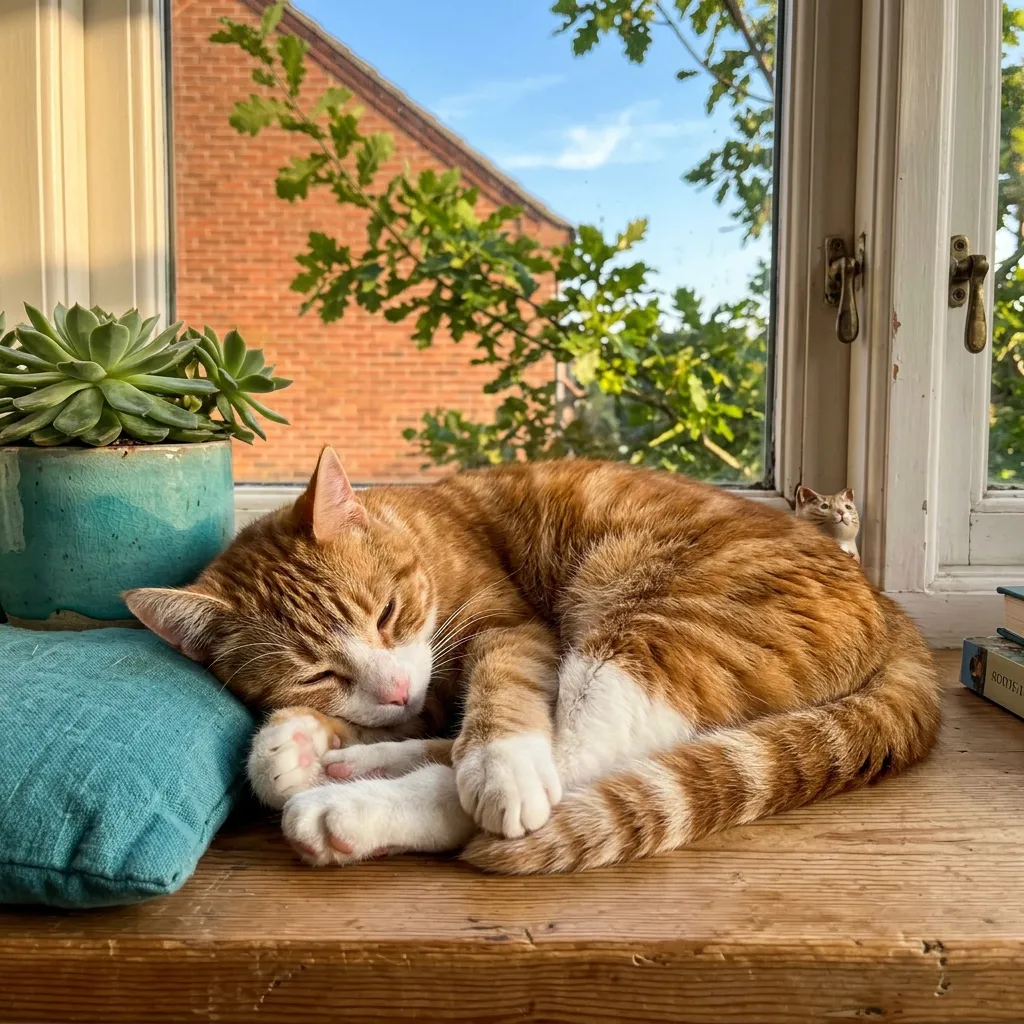
Made for posts, stories and thumbnails
Creators use Pikolor for profile rebrands, video thumbnails that pop, album covers, event announcements and merch mockups. The stylized look reads clearly even at thumbnail size — which is exactly what wins the click.
Your creations are yours: post them, print them, use them in your branding.
The styles creators reach for
Pop Art for loud covers, Flat Design for clean brand visuals, Watercolor for softness, Comic Hero and Manga Color for storytelling energy, 3D Cartoon for mascots and avatars. Compare them:
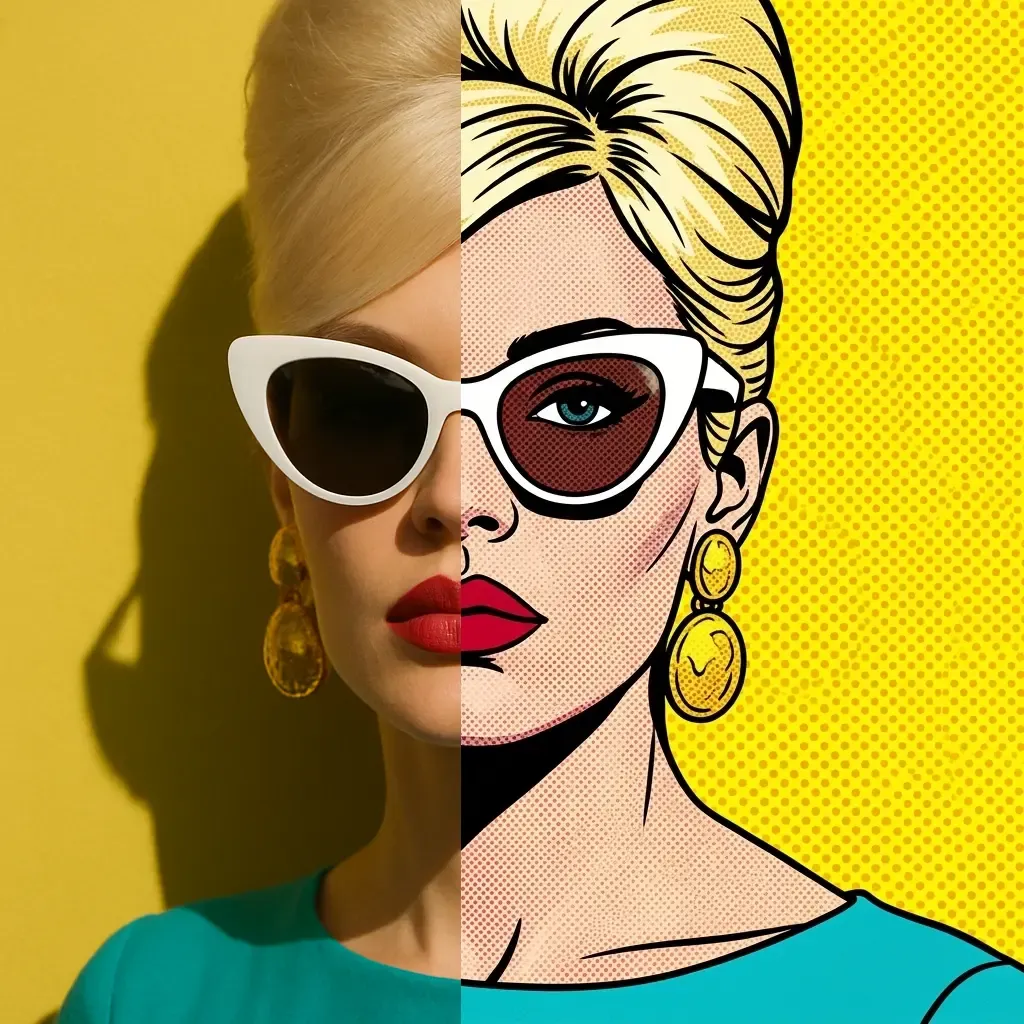
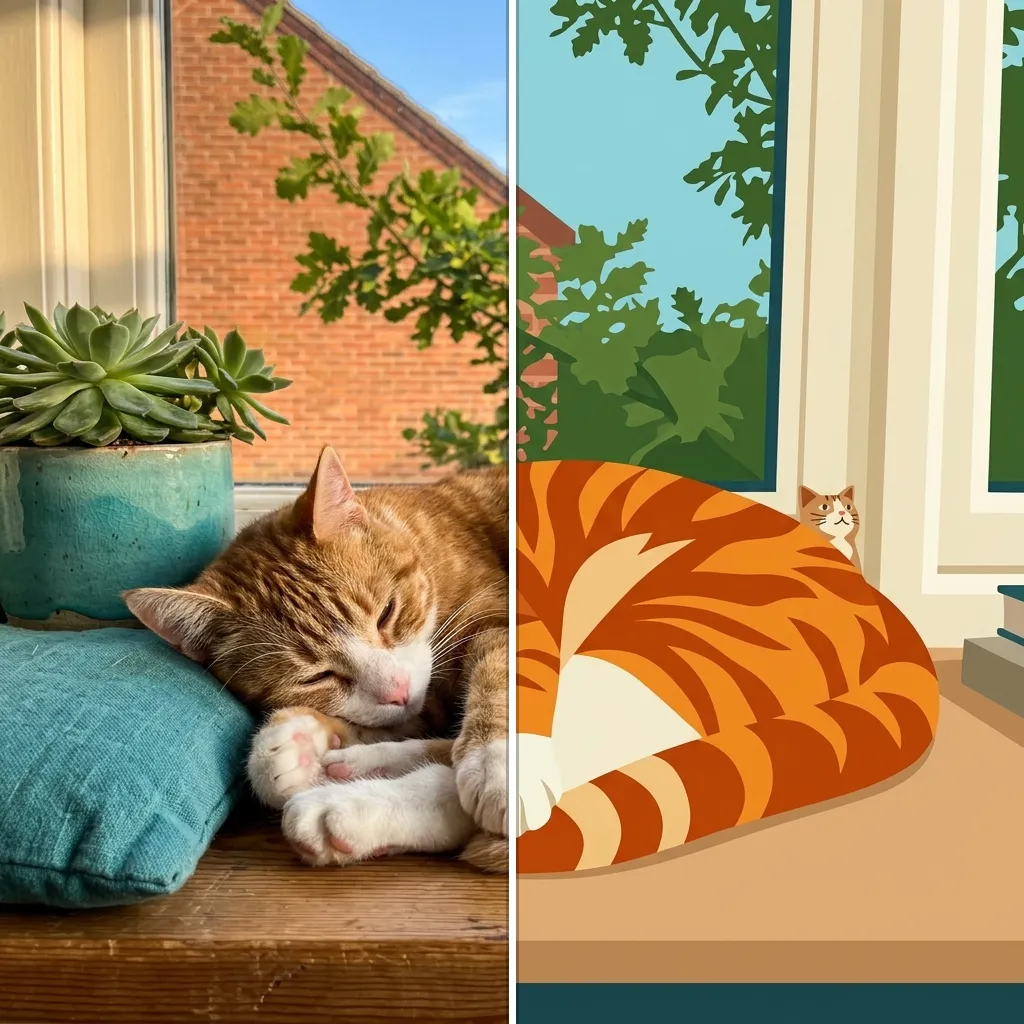
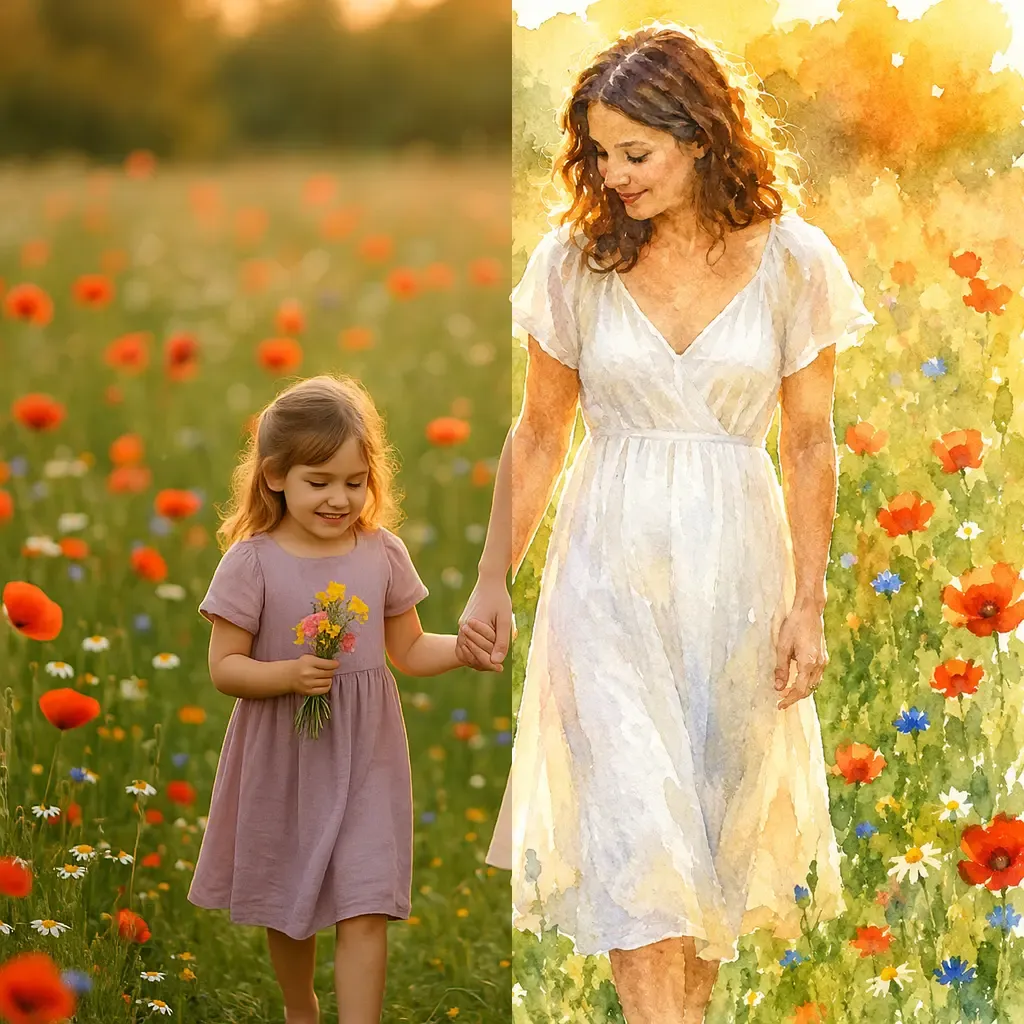
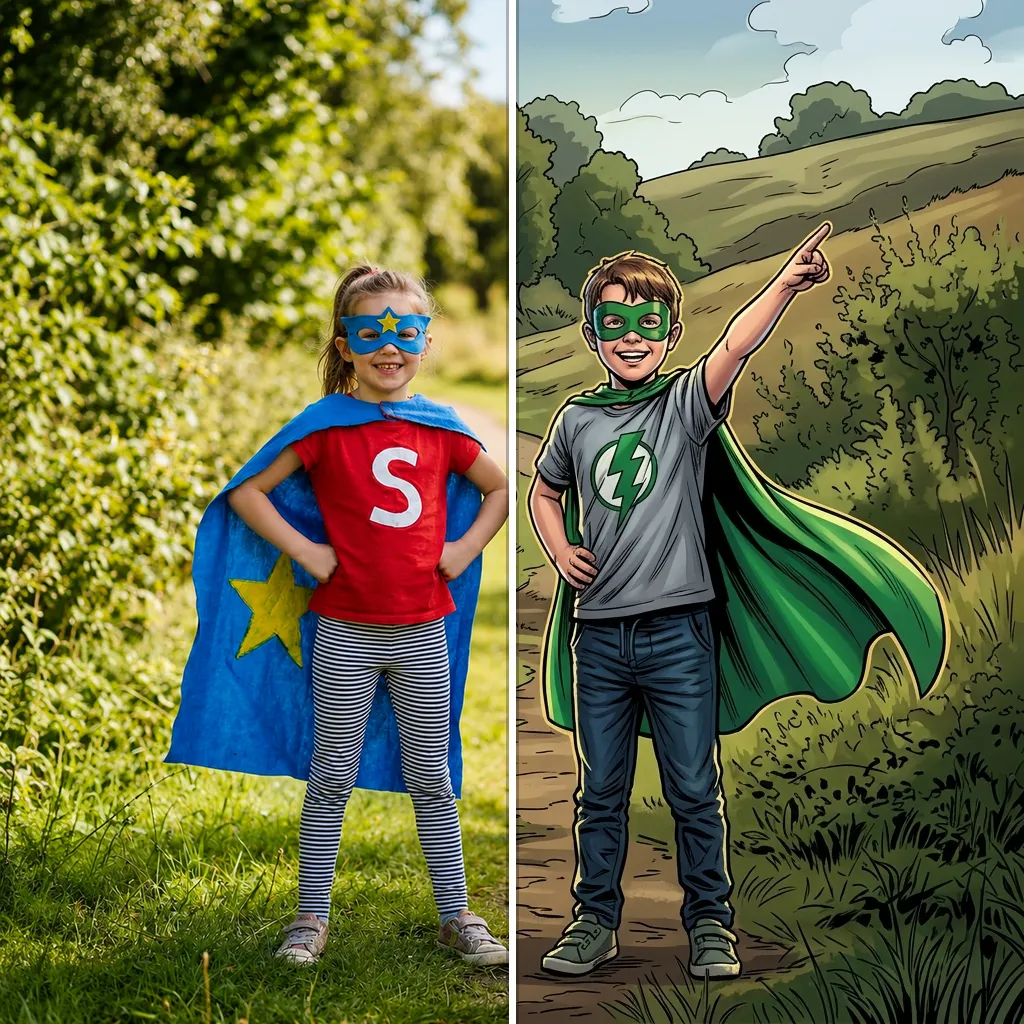
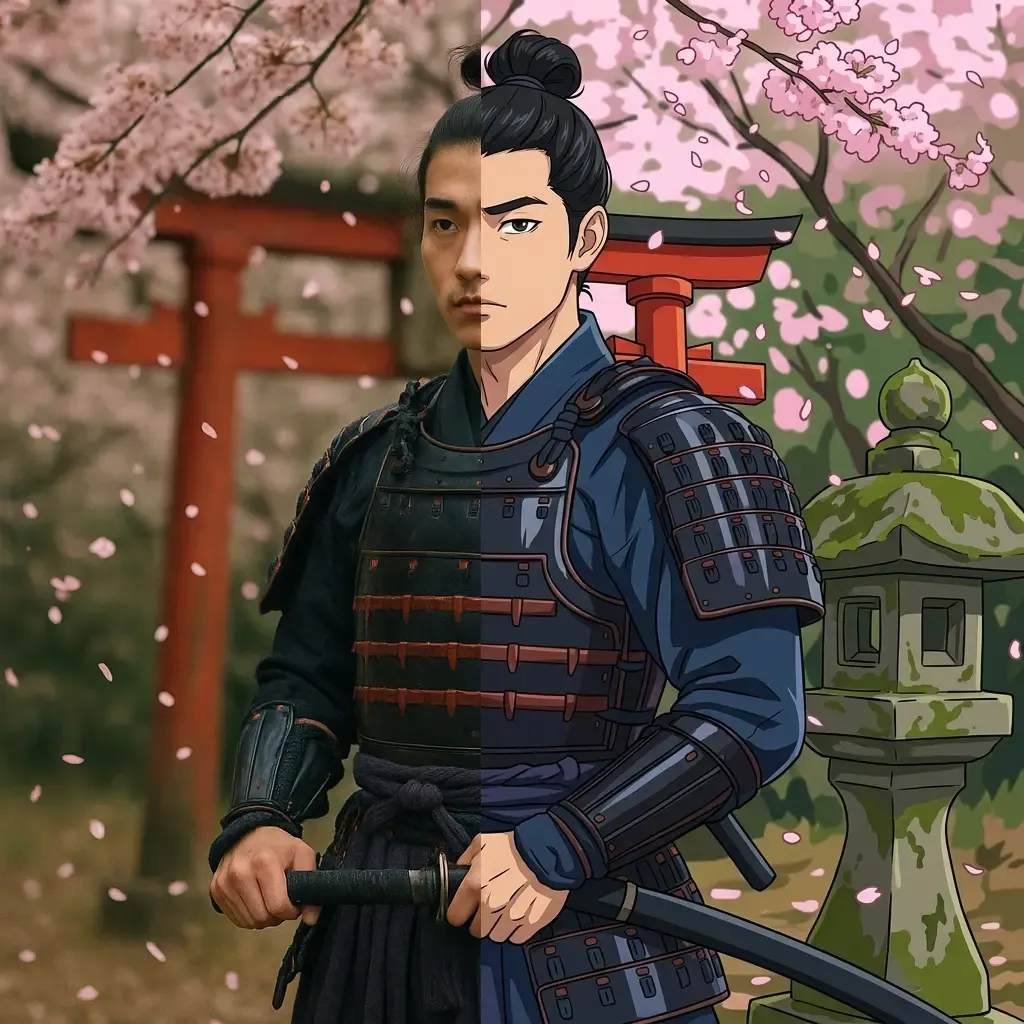
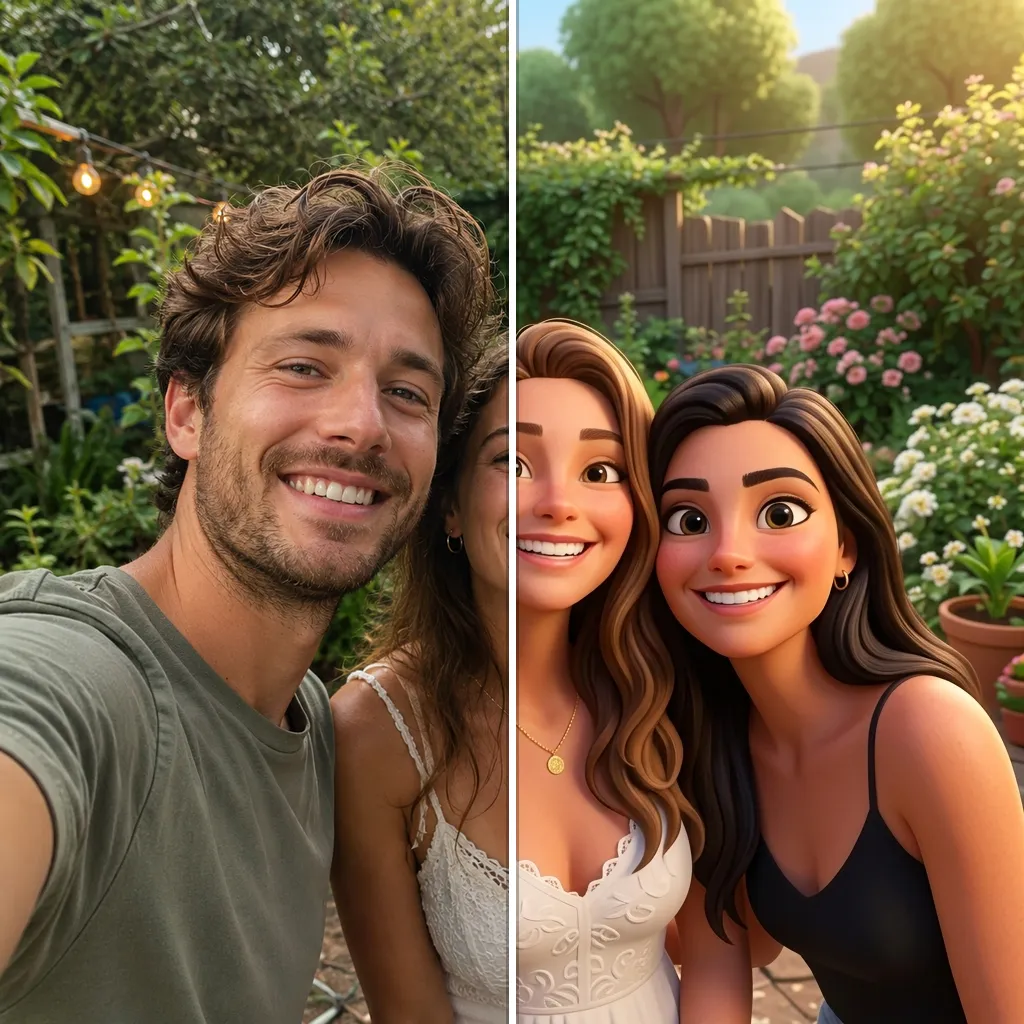
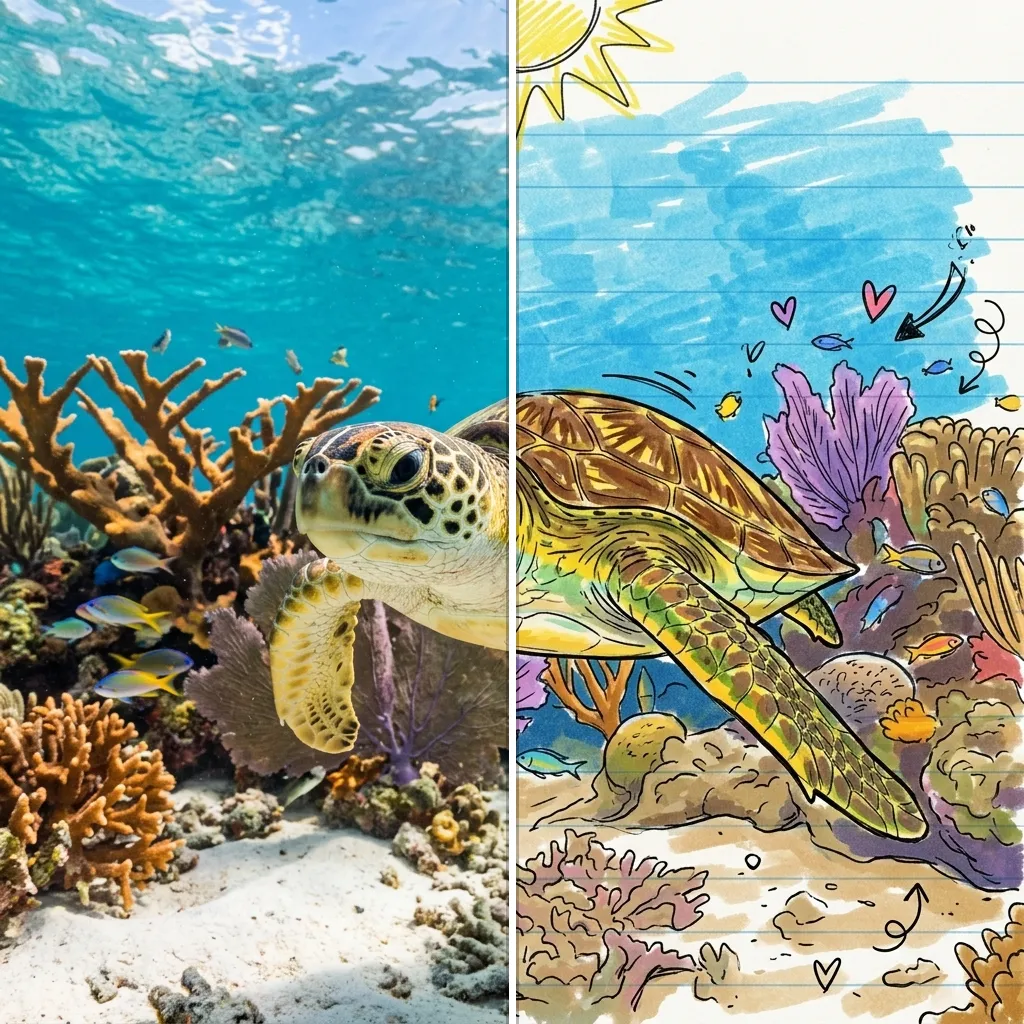
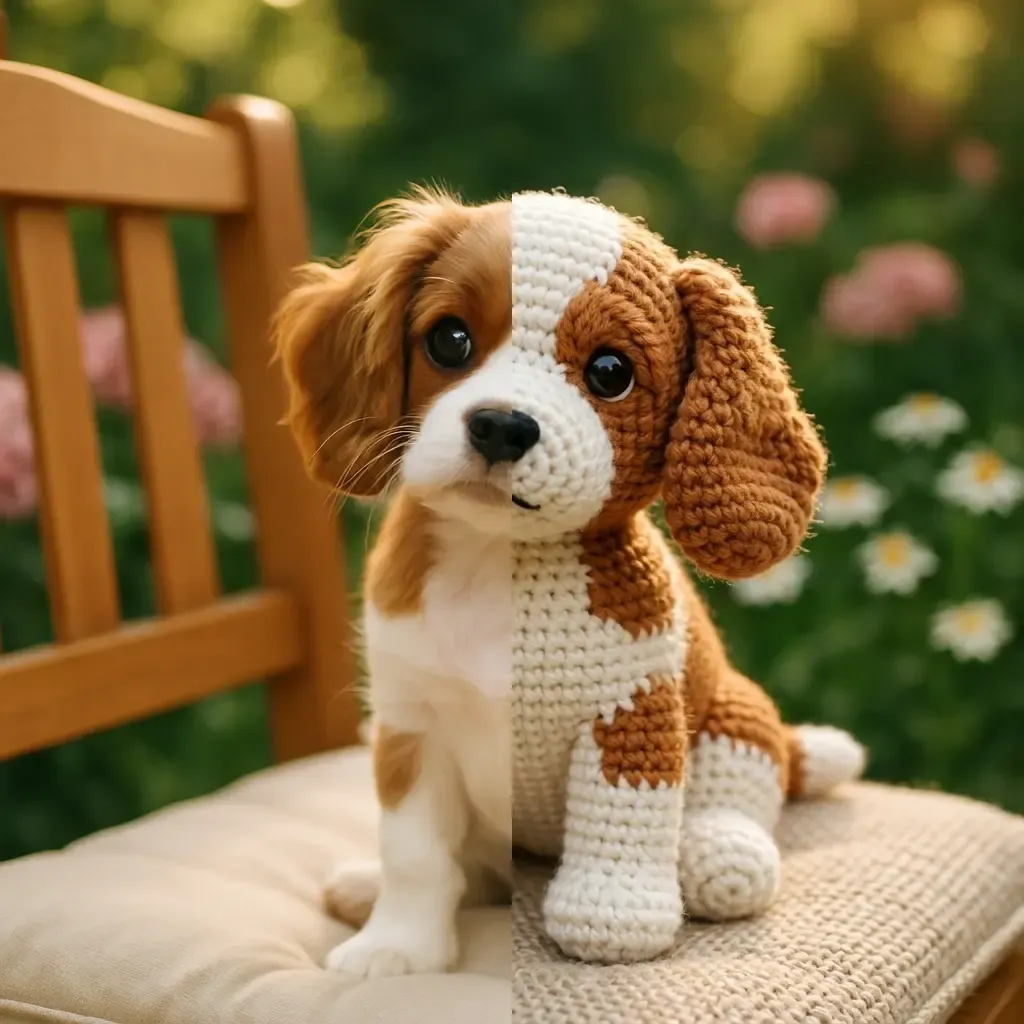
Explore each style page for examples, tips and a live demo.
How creators use Pikolor
Upload your shot
Product photos, portraits, event pics — start from the content you already have.
Style it in one tap
Try pop art, comic, watercolor or 3D on the same photo and keep the strongest version.
Post it
Download in high resolution and drop it straight into your feed, story, video or thumbnail.
Frequently Asked Questions
Level up your next post
Free to try — upload one photo and see five ready-to-post versions of it.