AI Caricature From Photo
Upload a portrait and get a funny, flattering caricature in seconds — exaggerated just enough to make everyone laugh, never enough to be mean.
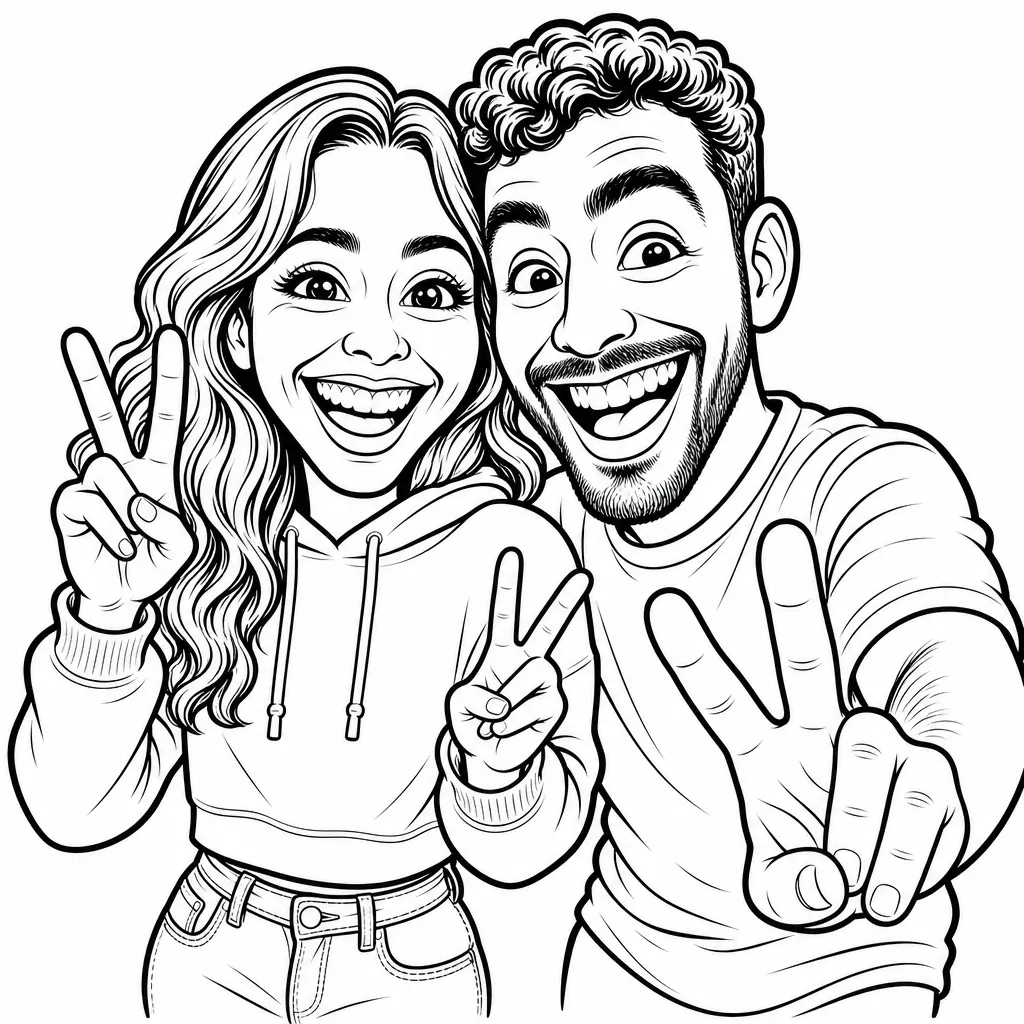
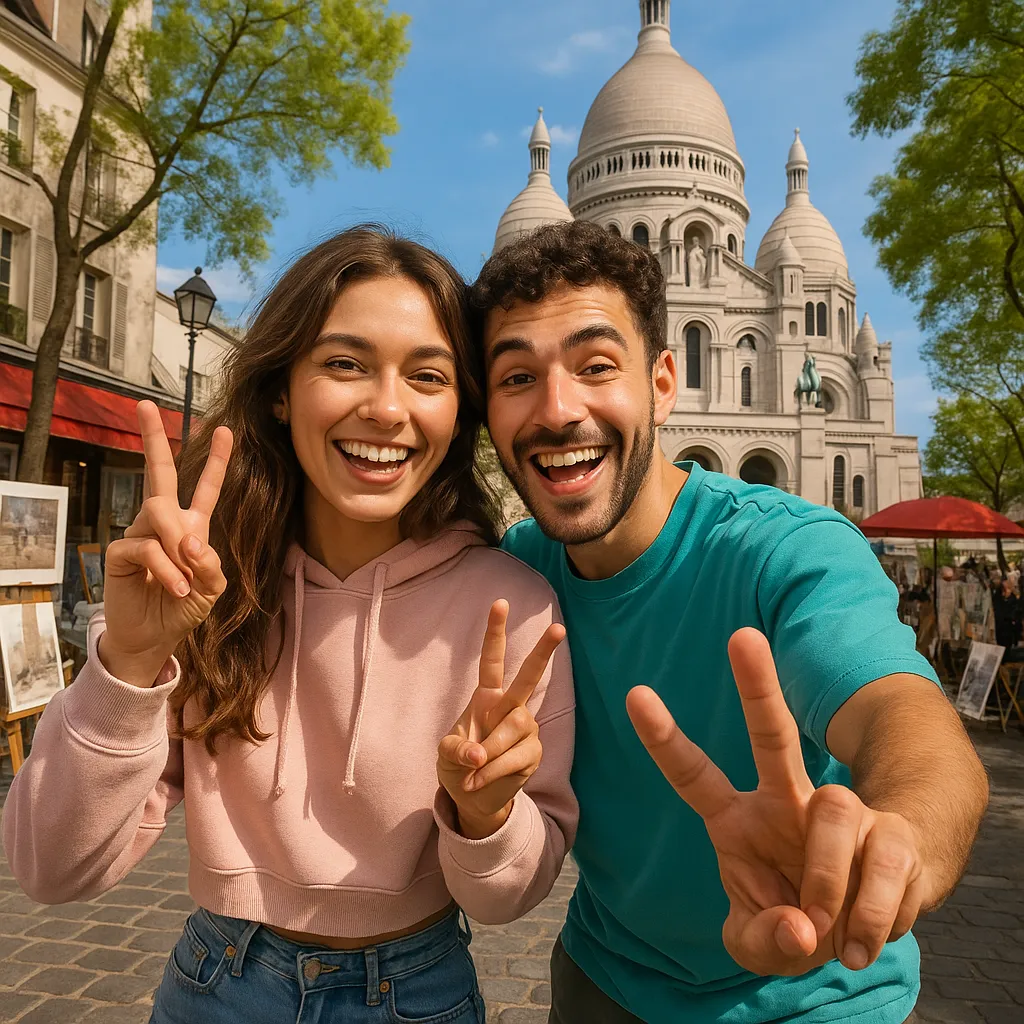
What makes a good AI caricature?
A great caricature amplifies what makes a face unique — the grin, the glasses, the hair — while keeping the person instantly recognizable. Pikolor's caricature AI finds those features automatically and exaggerates them with a cartoonist's touch.
No drawing skills, no street-artist queue: one photo in, one caricature out, in seconds.
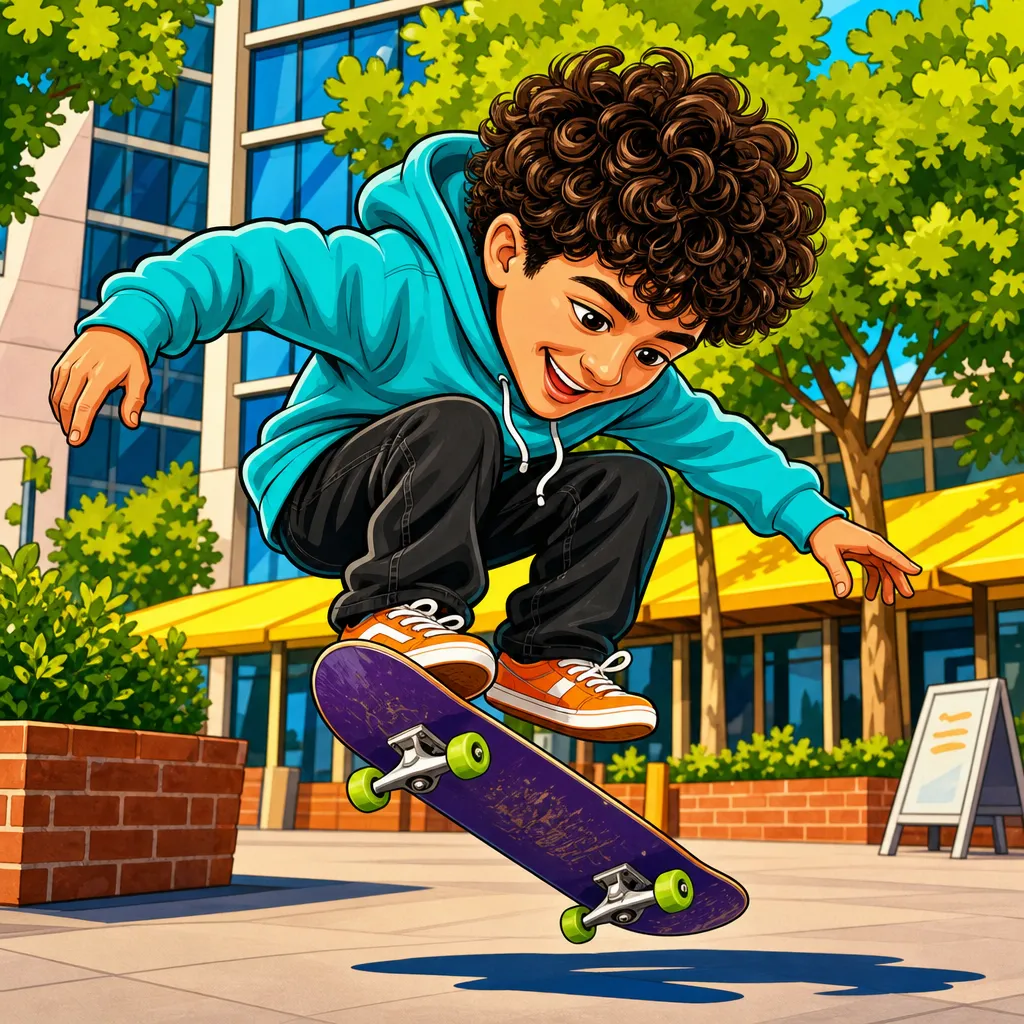
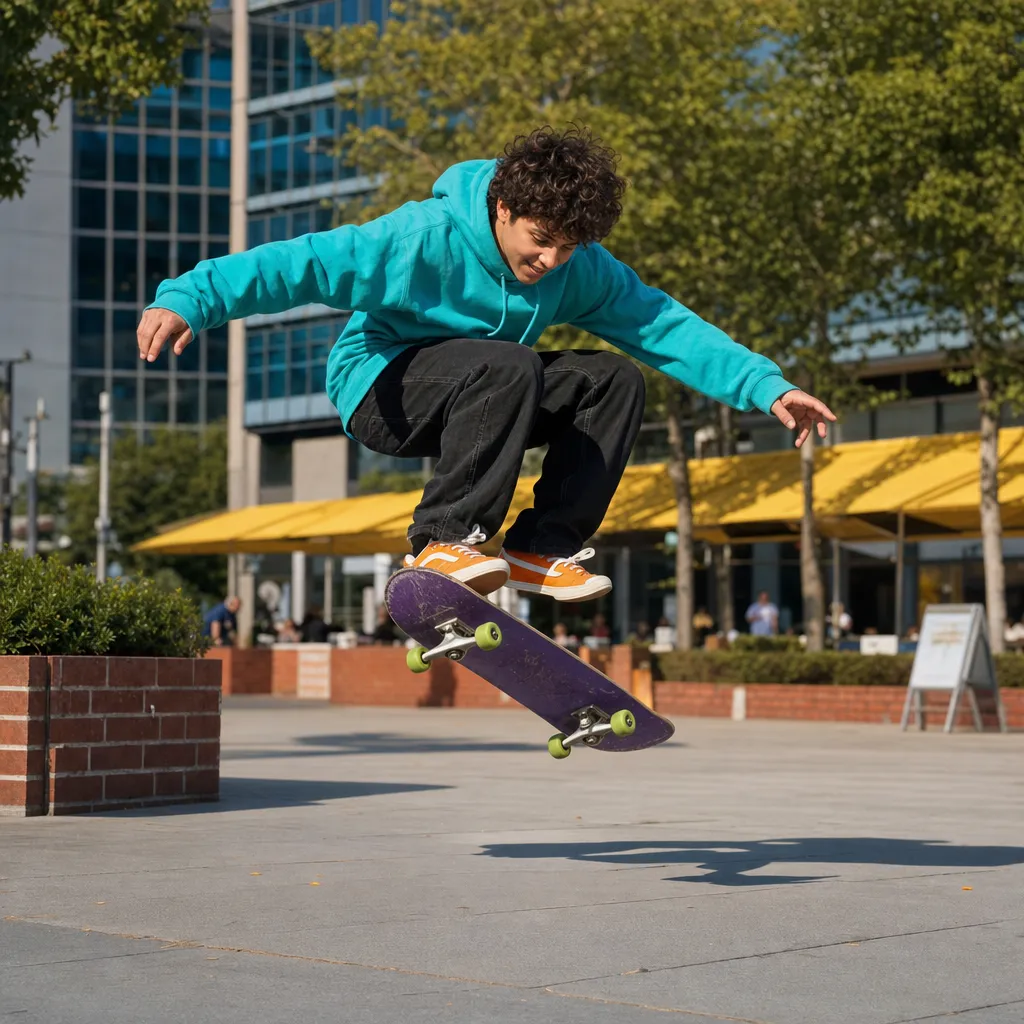
Black-and-white to color, ready to share or print
Choose the classic black-and-white caricature to print and color it yourself, or the full-color version ready to post. Both keep clean lines and a white background that look great printed or shared.
Caricatures from photos make hilarious birthday cards, office gifts, group-chat avatars and party favors — try one of each style and pick the family favorite.
Two caricature styles to try
The classic Caricature style creates a black-and-white version you can print and color, while Color Caricature delivers a finished, shareable artwork. Compare both:
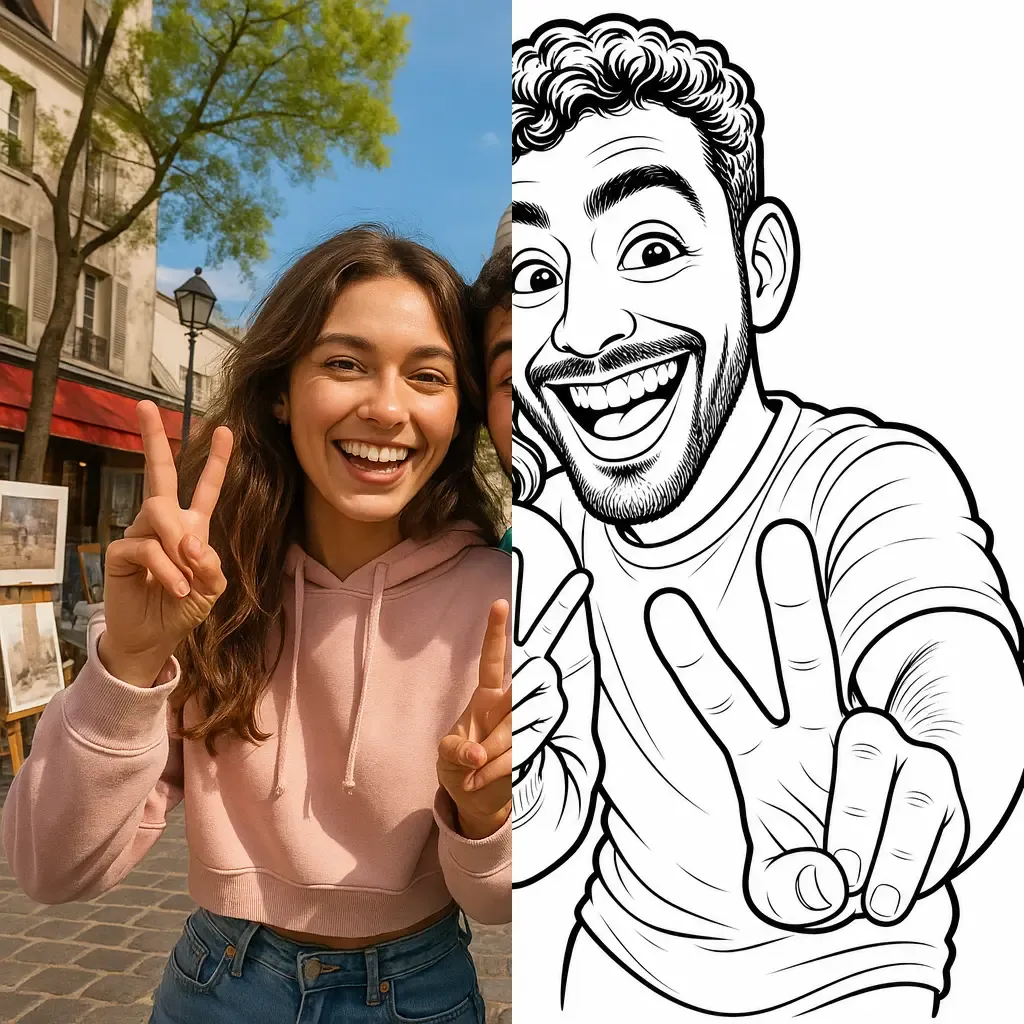
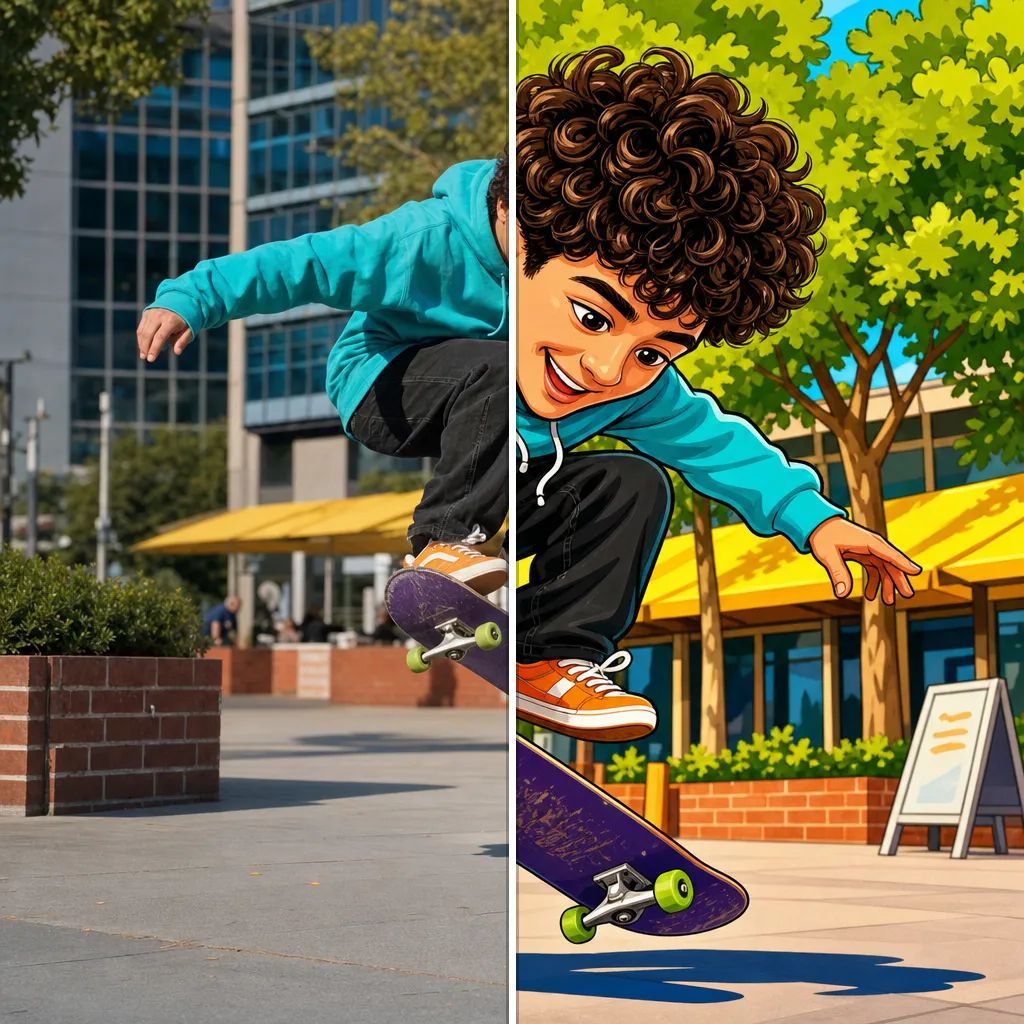
Explore each style page for examples, tips and a live demo.
How to make a caricature from a photo
Upload a portrait
Front-facing photos with a visible face work best — solo portraits, couples or small groups.
The AI draws the caricature
Pikolor exaggerates the distinctive features with a fun, friendly cartoonist style — in seconds.
Share or print it
Download your caricature to share it, print it as a card, or color the black-and-white version.
Frequently Asked Questions
Make your caricature now
Upload a portrait and get your caricature in seconds — free to try, guaranteed laughs.