Turn your photo into a coloring page - free online demo
Upload a photo, pick a style and watch the AI transform it. Free with one-click Google sign-in, nothing to install - try it right here.
Unlimited pages, every style and HD printing in the free app:
Photo to Coloring Book
Upload a photo, pick a style and watch the magic happen! Coloring page, sketch or colorful art — our AI transforms it in seconds.
See the transformation
Drag the slider to see the before/after effect
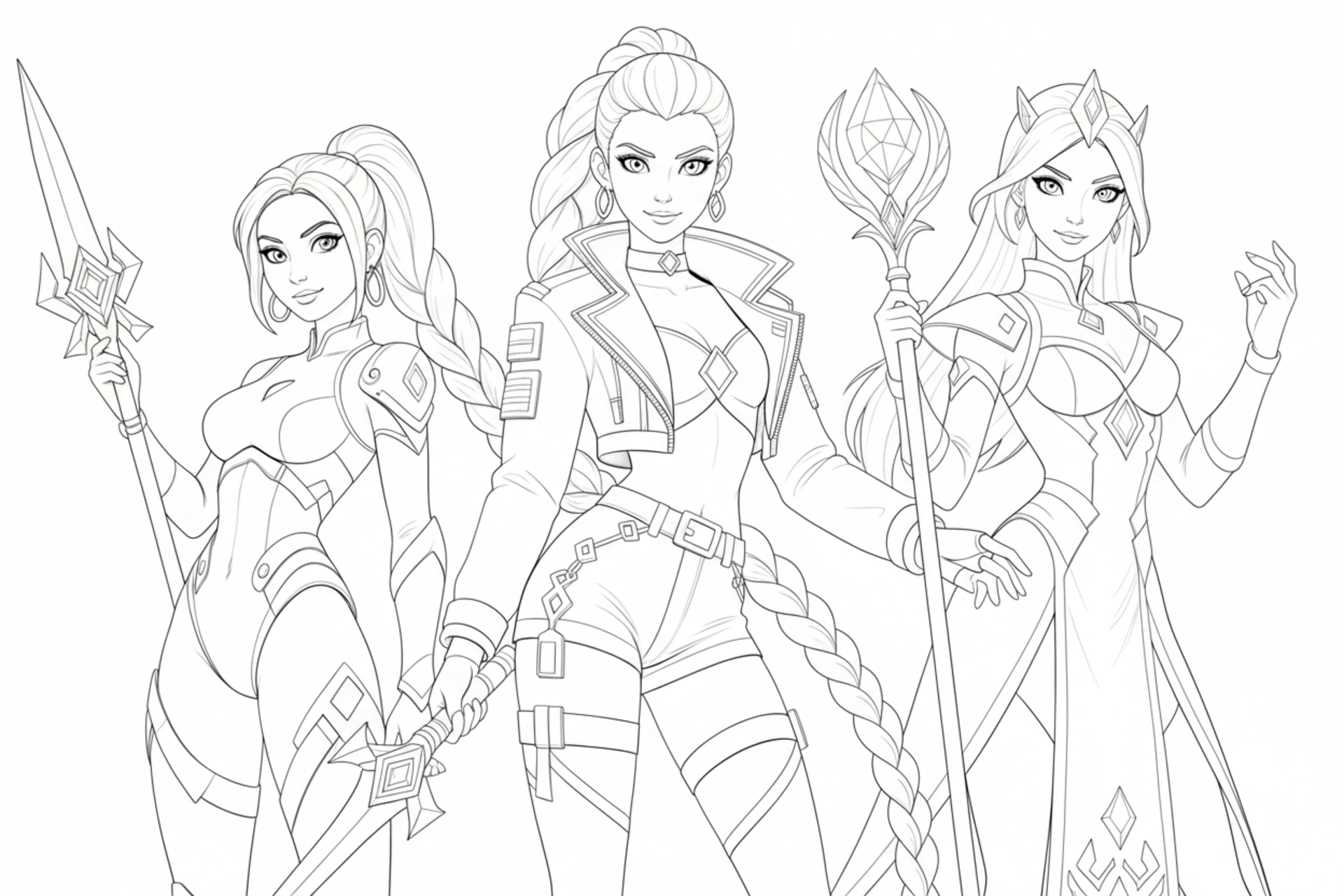

About the free demo
This demo runs the exact same AI as the Pikolor mobile app. Upload any photo - your child, your pet, a holiday memory - choose a style, and get a real coloring page you can preview immediately. Signing in takes one click with your Google account, no credit card is needed, and your photo is processed securely, never shared, and not used for anything else.
The free demo includes a limited number of transformations per Google account so everyone can try it. For unlimited pages, the full style catalog, in-app coloring tools and HD printing, download the free Pikolor app on iPhone, iPad or Android.
Tip for best results: pick a photo with a clear subject and good lighting. Portraits, pets and toys work beautifully. Then print your page or color it directly on your device!

Download Pikolor
Join thousands of families and creators who turn their favorite photos into coloring pages, sketches and colorful art!